

Build custom mockups for your shop.
Create custom, editable mockups without design software, subscriptions or specialist skills. Build from scratch or start with 170+ commercial-use templates, then save your finished mockups to your private library.
No payment details. No commitment. Instant access.
Create
Design a mockup for every collection.
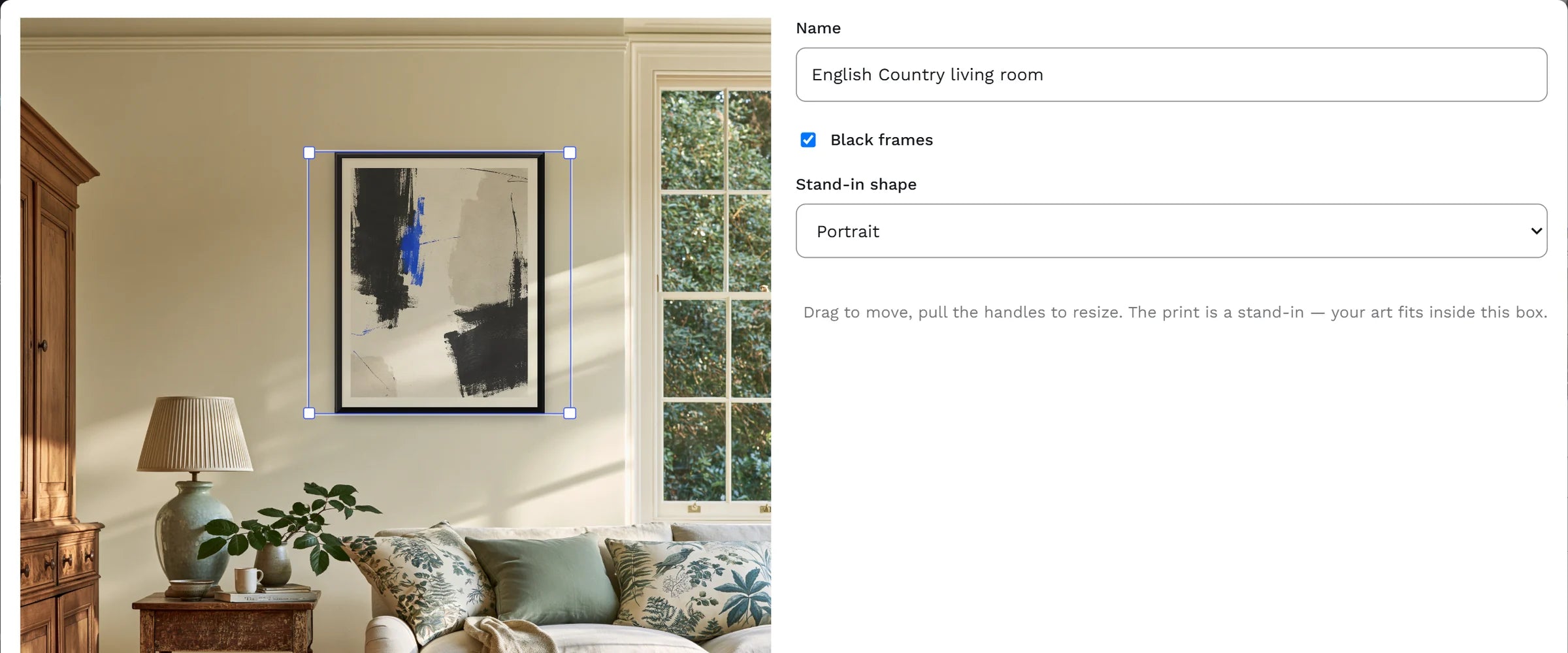
Set the interior style, colour palette, space and scene details. nybld generates a finished room with a bare feature wall, ready for your artwork.
Choose from 20 interior styles, seven colour palettes and ten spaces, then refine the details to suit each collection. No Photoshop required.
Select
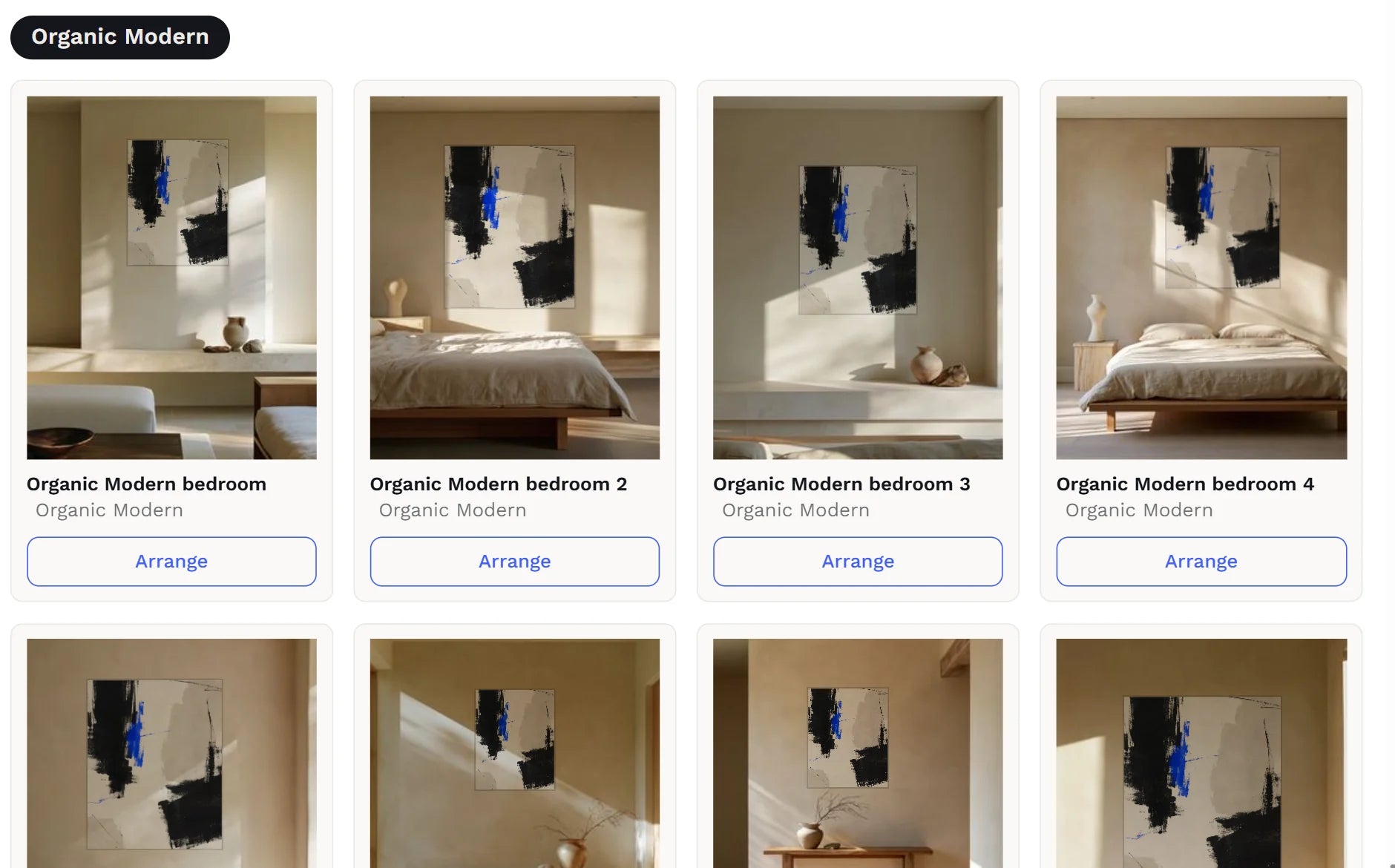
Start with 170+ ready-to-use mockups.
Choose from a library of commercial-use room scenes, organised by interior style. Use up to ten mockups on a listing, in the order your buyers will see them.
Upload your own Photoshop mockups free and use them beside the library: one smart object for a listing, two to nine for a gallery wall.
Save
Save your placement once. Use it on every build.
Position the artwork, choose to add a frame, and save the placement to your private library. Every future build uses that placement until you change it.
Intelligent cropping fits portrait, landscape and square artwork to the same placement around the subject, preserving the scene's lighting.
Gallery
Turn existing artwork into gallery listings.
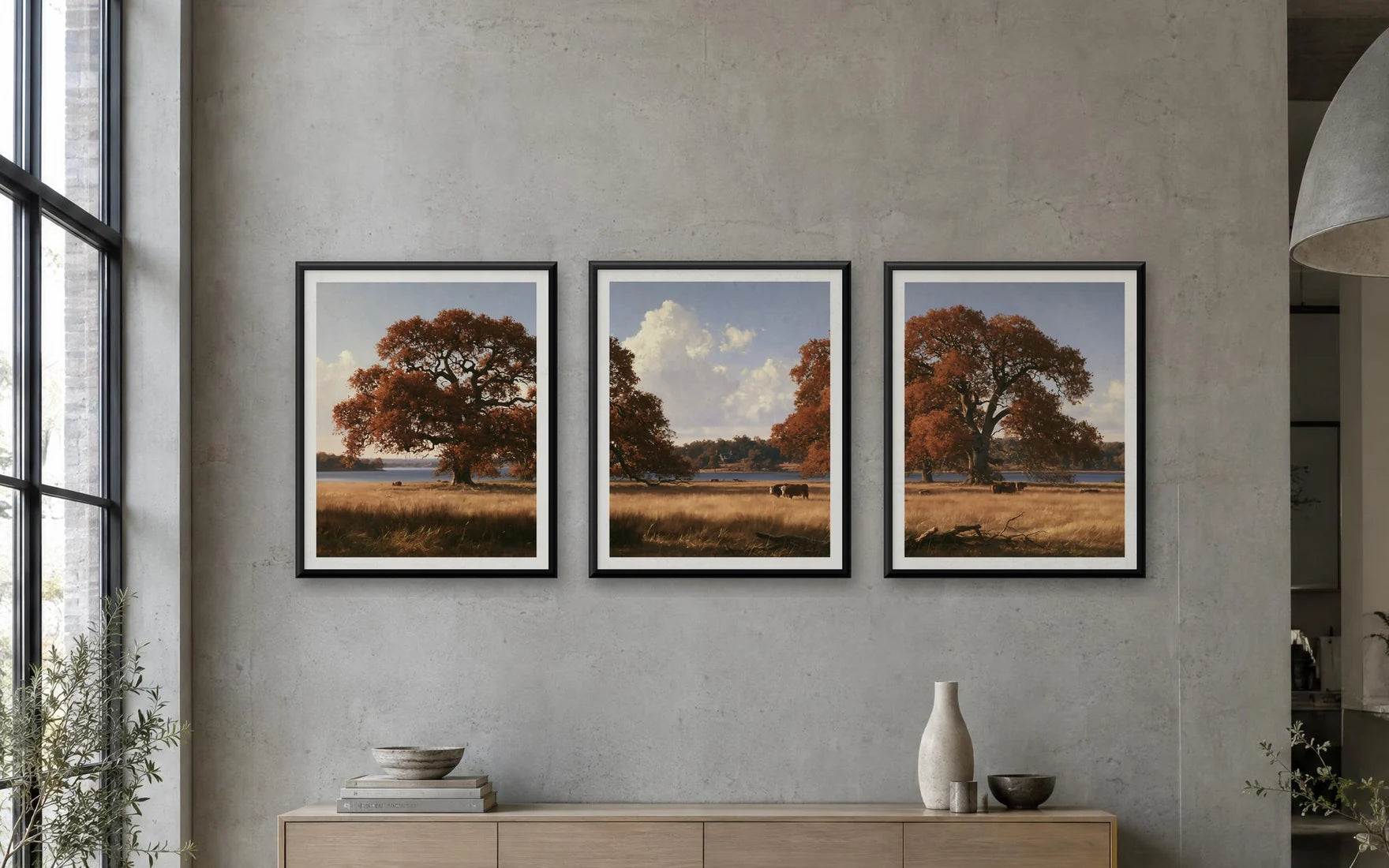
Combine two to nine finished pieces into a single listing. Arrange the artwork on up to ten mockups, then let nybld carry the collection through the listing title, description and tags.
Each piece keeps its own print files, and the buyer's download carries them all.
Included in trial
- Full-featured trial
- Build 5 listings
- Create custom mockup
- Connect to your stores and publish
- Keep all your assets
- No catches